


Which Browser Protects You Better – Tor or Onion?
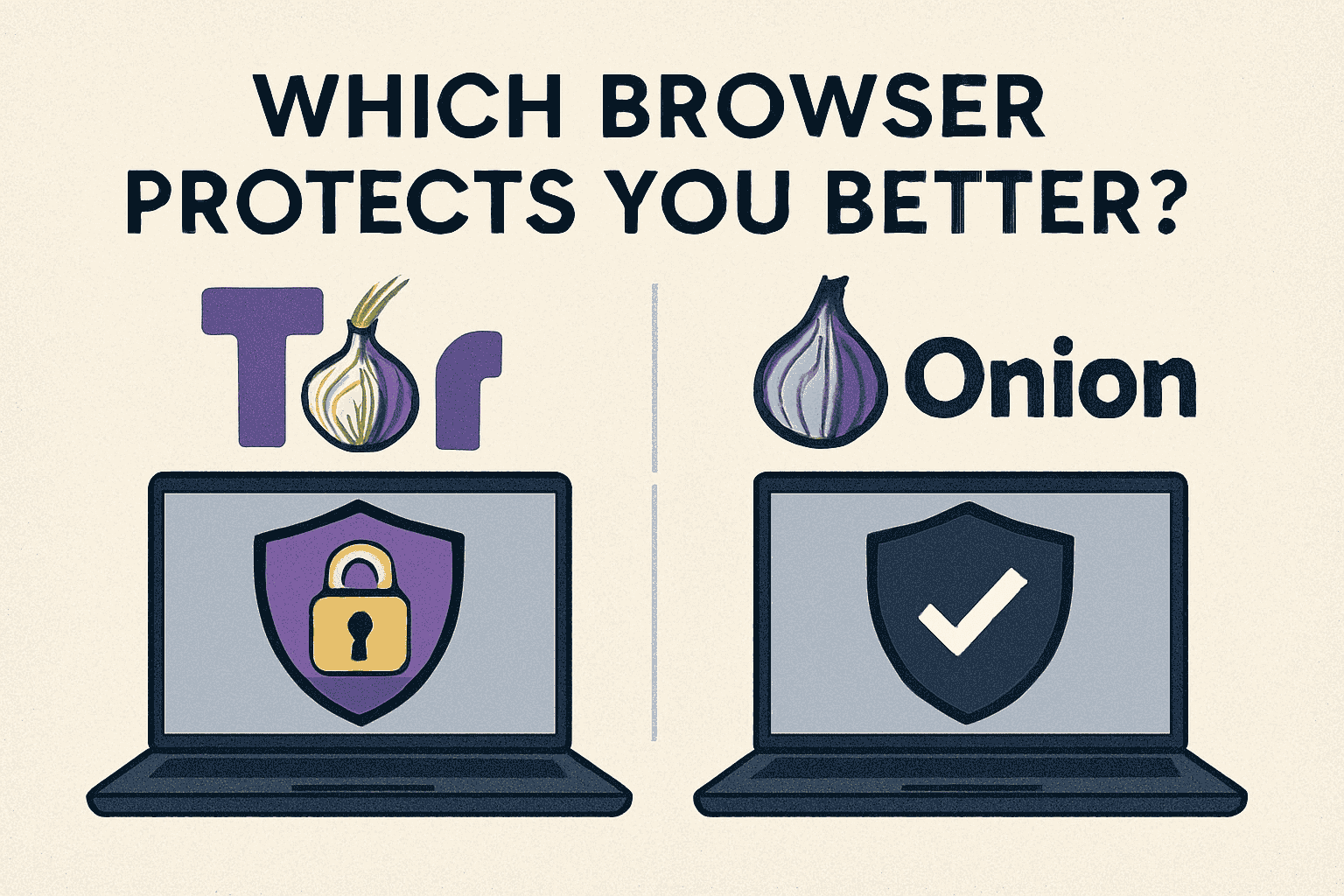
Online privacy has become a major concern in 2025. With increasing tracking, data collection, and cyber-surveillance, users are turning toward privacy-focused browsers. Two of the most popular options are the Tor Browser and the Onion Browser.
What Is Tor Browser?
The Tor Browser is the official browser developed by the Tor Project. It uses the Tor (The Onion Routing) network to route your traffic through multiple encrypted relays, making it extremely hard for anyone to track your activities.
Features
-
Multi-layer (onion-style) encryption
-
Routes traffic through 3+ Tor relays
-
Blocks trackers, scripts, and fingerprinting
-
Built-in HTTPS-Everywhere
-
Free and open-source
Privacy Level: Very High
Tor Browser is designed for maximum anonymity, often used by journalists, researchers, activists, and privacy-focused users.
What Is an Onion Browser?
The Onion Browser is a privacy browser available mainly for iOS (iPhone/iPad). It gives users access to the Tor network but is not the official Tor Browser
Features
-
Connects to Tor network
-
Helps bypass censorship
-
Simple, lightweight, free
-
Basic security protection
Privacy Level: Moderate
While it offers Tor network access, its privacy and security are not as strong as the official Tor Browser.
Tor Browser vs. Onion Browser – Detailed Comparison
a) Privacy and Anonymity
-
Tor Browser: Highest anonymity with strong anti-tracking, script blocking, and fingerprinting protection.
-
Onion Browser: Basic privacy but weaker protections and fewer layers of security.
Winner: Tor Browser
Encryption Strength
-
Tor Browser: Uses full multi-layer “onion routing.”
-
Onion Browser: Also uses Tor routing but lacks advanced security patches and configurations.
Winner: Tor Browser
Security Updates
-
Tor Browser: Updated frequently by the Tor Project.
-
Onion Browser: Updates exist but not as frequent or advanced.
Winner: Tor Browser
Censorship Bypassing
Both can bypass censorship, but:
-
Tor Browser includes bridges and obfuscation tools.
-
Onion Browser relies only on basic Tor routing.
Winner: Tor Browser
e) Platform Availability
-
Tor Browser: Windows, macOS, Linux, and Android.
-
Onion Browser: Only iOS devices.
Winner: Depends on platform
If you're on an iPhone, the Onion Browser is the easiest option.
So, Which Browser Protects You Better?
Tor Browser offers far stronger privacy, anonymity, and protection.
It’s the more secure option because it:
-
Has multi-layer encryption
-
Blocks trackers and fingerprinting
-
Receives frequent security updates
-
Provides built-in protection against scripts and leaks
Onion Browser is good, but not the most secure.
It’s best for users who want Tor access on iOS but don’t need full advanced anonymity.
When Should You Use Tor Browser?
Choose Tor Browser if you:
-
Want maximum privacy
-
Want to stay anonymous online
-
Access sensitive information
-
Live in a region with heavy surveillance
-
Don’t want your ISP to track your browsing
When Should You Use an Onion Browser?
Choose Onion Browser if you:
-
Use an iPhone/iPad
-
Need basic Tor access
-
Want a simple, lightweight privacy browser
-
Are bypassing simple restrictions or censorship

 English
 Arabic
 Spanish
 Portuguese
 Deutsch
 Turkish
 Dutch
Dutch
 Italiano
 Russian
 Romaian
 Portuguese (Brazil)
 Greek
Greek